
Walker Tracker is now a
part of Terryberry
Walker Tracker was acquired by Terryberry in April 2022 and is now integrated with Terryberry’s employee engagement solutions. Together, we’re enriching company culture with step challenges and wellness programs that motivate, empower, and engage.
Wellness Programs to keep your workforce healthy and happy
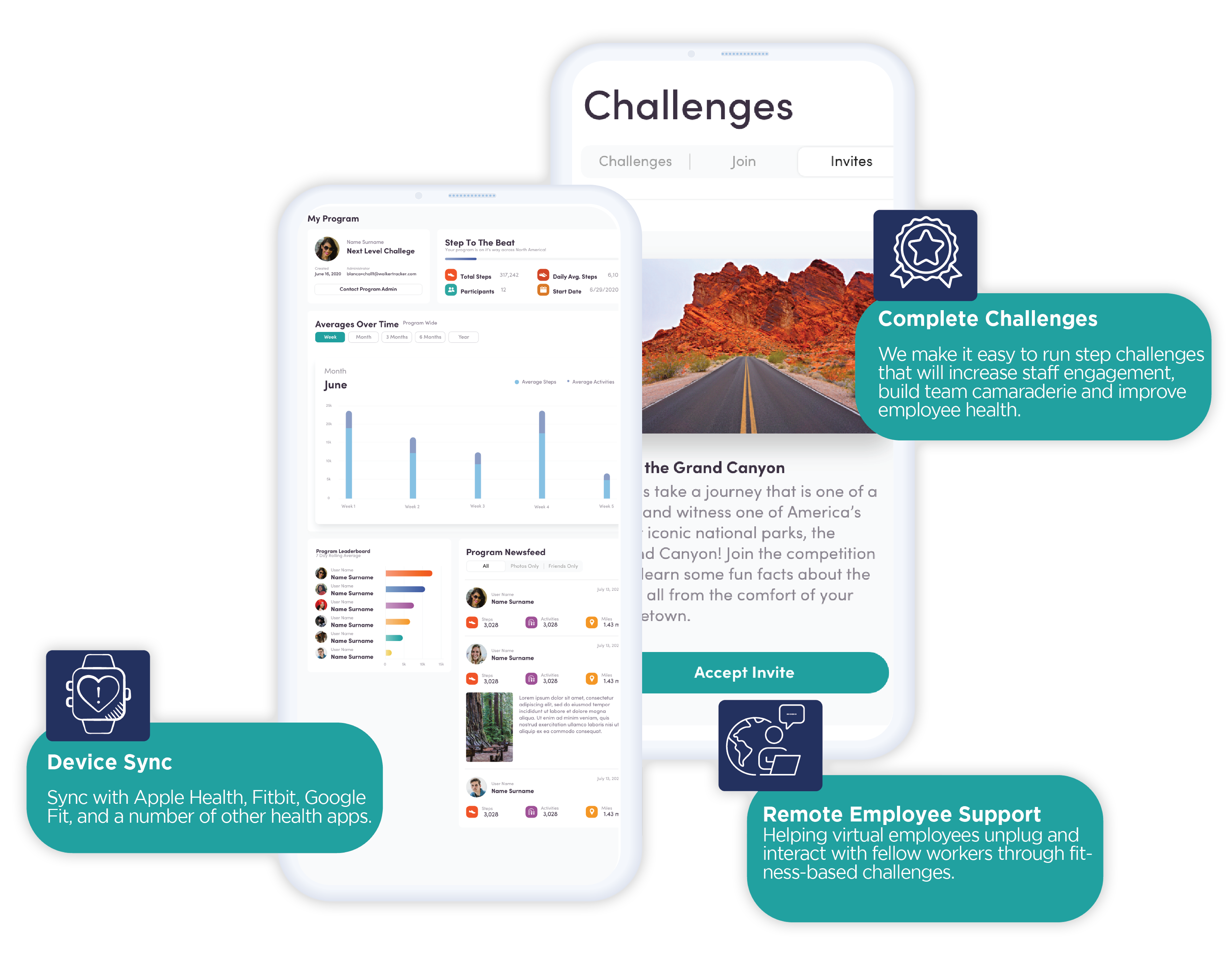
We make it easy to run wellness programs and step challenges that increase staff engagement, expand corporate health, build team camaraderie, and improve employee mental health.
Important Benefits of Step Challenges & Employee Wellness Programs

Employee wellness programs have an average benefit of 150% return on investment, according to a study by Rand Corporation.

Wellness Programs can create a less stressful environment for employees which can lead to higher levels of employee happiness in the workplace.

They can help prevent and reduce illnesses, which are not only harmful to your employees but a hindrance to productivity.

Emotional health and mental wellness are critical for a healthy work environment. When employees feel their best, they’re better equipped for creativity, innovation, and adaptability.

Employee Wellness Programs can create a less stressful environment for employees which can lead to higher levels of employee happiness in the workplace.
How corporate activity and step challenges work
Activities
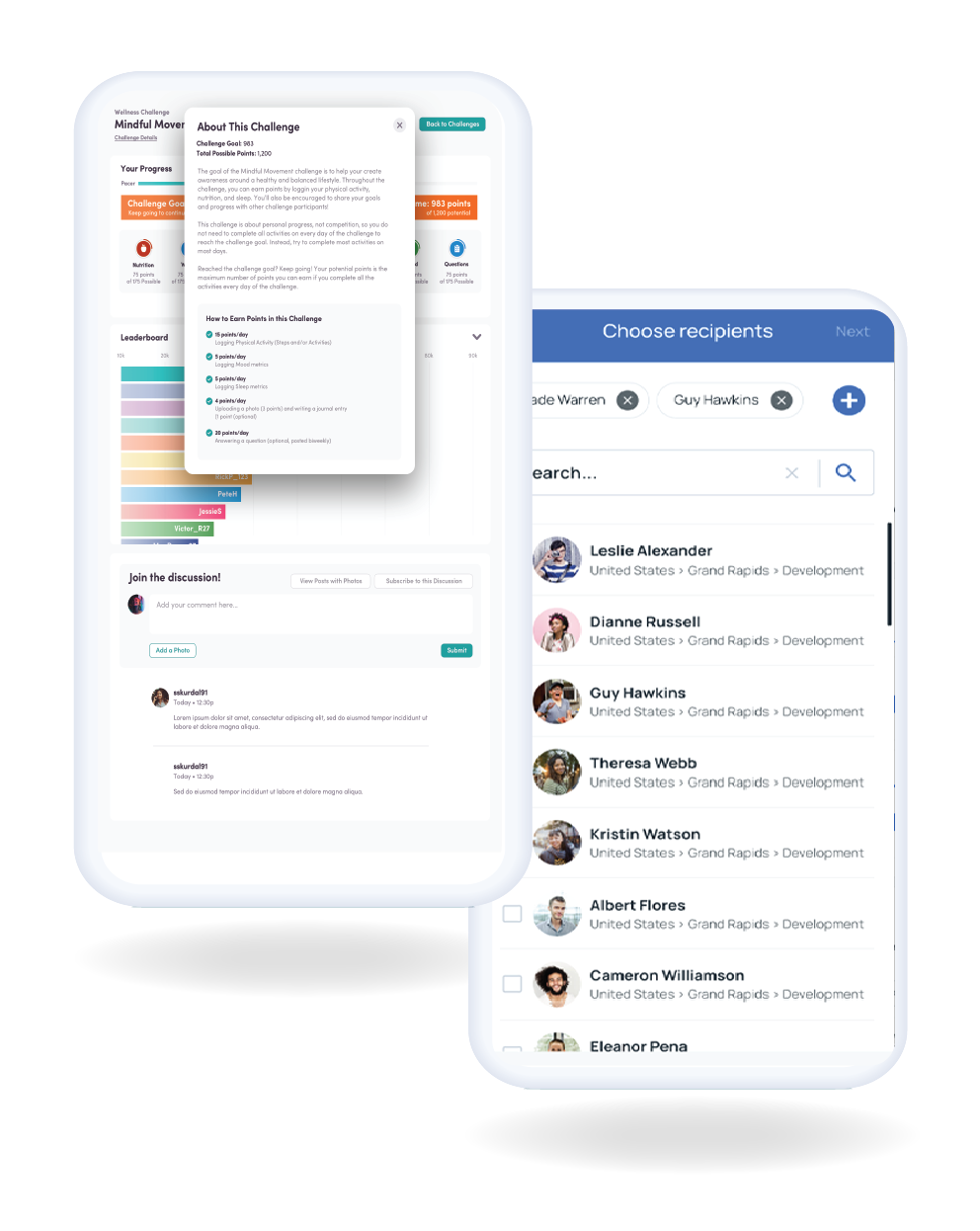
In wellness challenges, employees take part in engaging activities designed to promote well-being. In these challenges, employees compete with themselves or against colleagues and friends – individually or in teams.
Syncing
By syncing with virtually every fitness device, progress is tracked automatically via the app. Results are posted on a virtual map or leaderboard so participants can see how they’re doing, chat with other participants, and learn more about each challenge.
Goals
The goal? Creating a healthy workplace and well-being habits for employees that outlast the challenge itself.
Starting a Corporate Wellness Program and Reward System
Starting a corporate wellness program from scratch can be daunting for any HR or wellness coordinator. The good news is it doesn’t have to be.
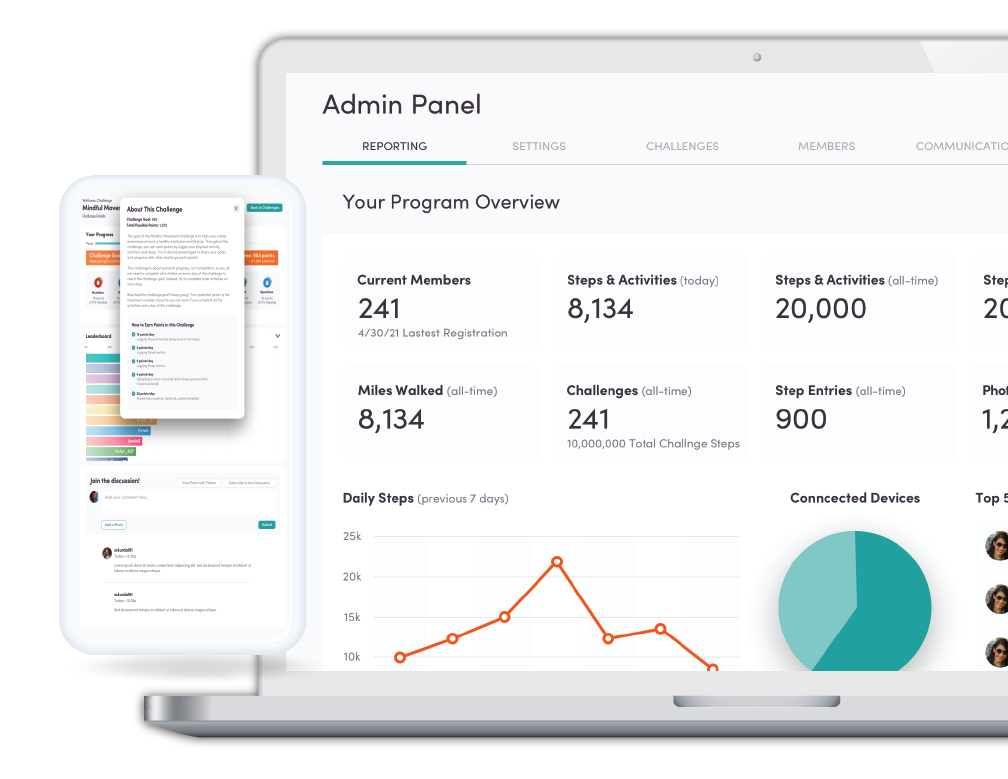
Terryberry’s wellness program makes it easy to build, run, and track your own customized step challenges and reward system.
Start by setting your corporate wellness program goals
Want to increase employee engagement? Build camaraderie? Boost physical wellness and mental health of employees? Not sure what your goals are? We can help there too.
Next, Get Your Program Started
Confidently create unique workplace challenges with our streamlined startup process. Then, start onboarding your team so the fun can begin.
Keep employees engaged
Participation is key. From day one to the grand finale, our engagement strategies ensure your employees stay excited about wellness no matter the challenge.
Employee Wellness Program Resources

Sync with all of your devices
Whether your company provides devices or it’s bring-your-own, we’ve got you covered.









Why Terryberry?

100 +
Years in Employee Engagement

40,000 +
Global Clients

1,000,000 +
Recognition Moments Delivered Annually

150 +
Countries Served

Over 90%
NPS Score

4.9
Google Review Score